TWRP Recovery

TWRP – Team Win Recovery Project
Team Win Recovery Project (TWRP) is an open-source software custom recovery image for Android-based devices. It provides a touchscreen-enabled interface that allows users to install third-party firmware and back up the current system which are functions often unsupported by stock recovery images. It is, therefore, often installed when flashing, installing, or rooting Android devices, although it isn’t dependent on a device being rooted prior to installation. (Wikipedia)
-

How to Root INOI 5i Lite and Install TWRP Recovery
If you own an INOI 5i Lite and also want to root the device, then you are on the right…
Read More » -

Guide to Root Realme Q RMX1971 and Install TWRP Recovery
If you own a Realme Q RMX1971, and willing to root the device, then you are on the right page.…
Read More » -

How to Root Oppo A3s and Install TWRP Recovery
If you own an Oppo A3s and also want to root the device, then you are on the right page. The…
Read More » -


How to Root Oppo R7 Lite and Install TWRP Recovery
If you own an Oppo R7 Lite and also want to root the device, then you are on the right page.…
Read More » -

How to Root Oppo R11 Plus and Install TWRP Recovery
If you own an Oppo R11 Plus and also want to root the device, then you are on the right page.…
Read More » -
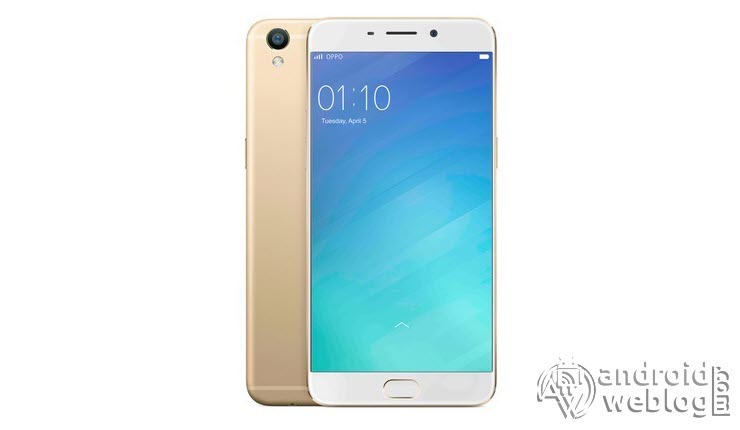
How to Root Oppo R9 and Install TWRP Recovery
If you own an Oppo R9 and also want to root the device, then you are on the right page. The…
Read More » -

How to Root Oppo Find X and Install TWRP Recovery
If you own an Oppo Find X and also want to root the device, then you are on the right page.…
Read More » -
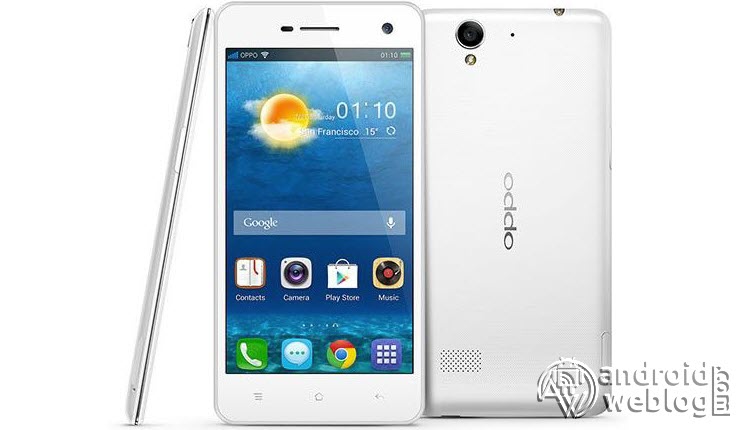
How to Root Oppo R819 and Install TWRP Recovery
If you own an Oppo R819 and also want to root the device, then you are on the right page. The…
Read More » -
How to Root Oppo R7/ R7s and Install TWRP Recovery
If you own an Oppo R7/ R7s and also want to root the device, then you are on the right page.…
Read More » -
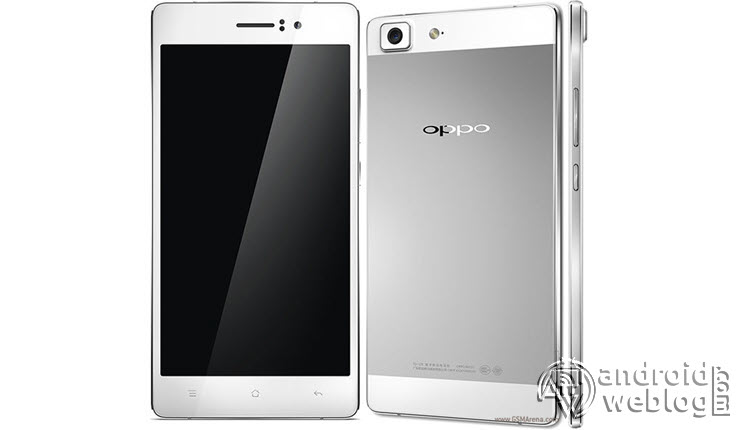
How to Root Oppo R5 and Install TWRP Recovery
If you own an Oppo R5 and also want to root the device, then you are on the right page. The…
Read More »